
Animate your characters … and make them talk
How to add and animate characters for my AI video
With Reeporter AI, your AI video generator becomes a creative engine for producing personalized, immersive, and story-driven content. Thanks to the powerful AI Characters feature, you can now bring your own characters into your videos whether it’s you, a friend, a public figure, or a fictional persona.
Available exclusively in the Text to video AI mode, AI Characters let you take full control over storytelling. Here’s how to use them in 6 simple steps, each one illustrated with a screenshot to guide you through the process.
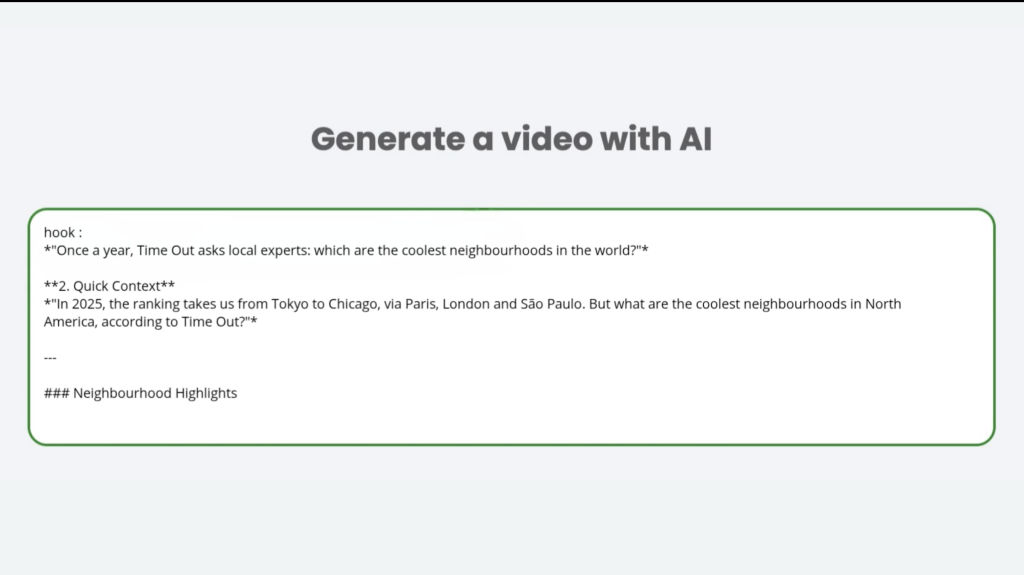
Step 1: Create a new “Text to Video” project and write your prompt
From your Reeporter AI dashboard, click “Create a video from text.”
The Text to video AI mode gives you access to our most advanced tools, including AI Characters. It’s the ideal choice for narrative-driven AI video creation.
Your prompt can be anything: a short idea, a detailed script, a news article, or even a question in any language.
The more precise and detailed your prompt is, the better the script and final video will be. Make sure your content follows our terms and guidelines
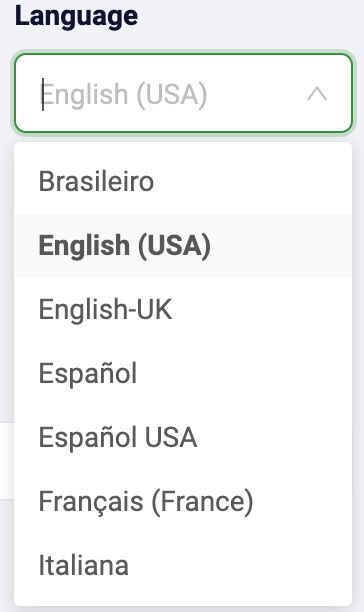
Step 2: Select the Language
By default, your video is generated in English. But you can easily switch to French, Spanish, Hindi, or other supported languages.
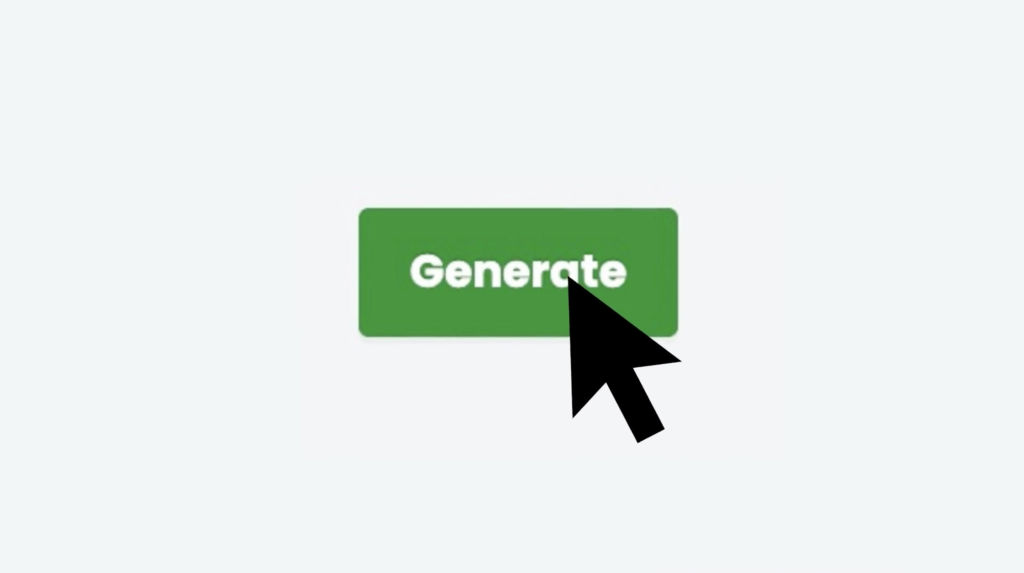
Step 3: Generate the Script
Click the “Generate” button our AI analyzes your prompt, builds a script, and starts creating the casting automatically.
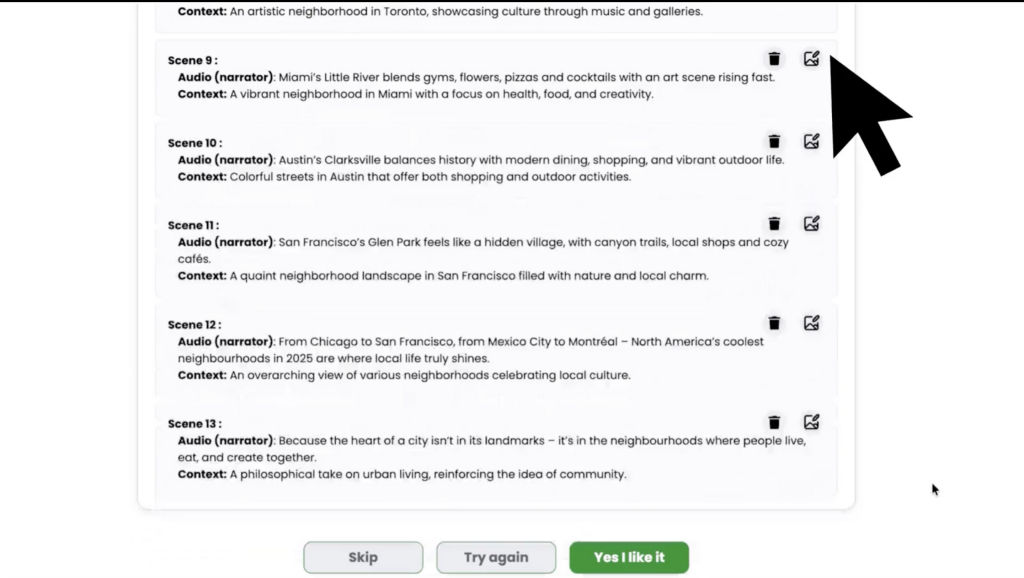
Step 4: Review Your Script
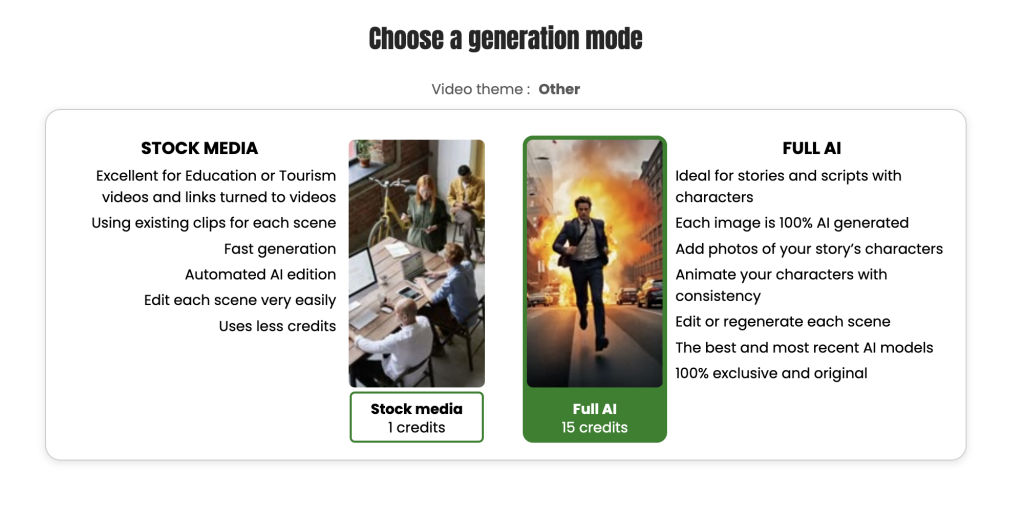
You can now choose how your video will be generated:
- Stock Media
- Full AI
Review your script
If it needs changes, click to edit your prompt and regenerate, it’s free.
Add more details in your prompt for improved accuracy.
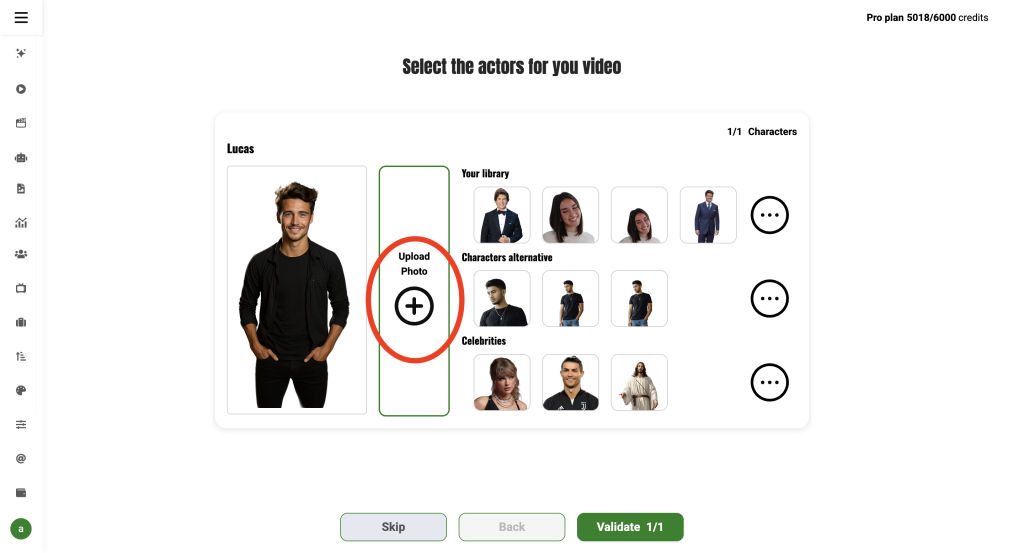
Step 5: Choose Your Cast
It’s time to pick your cast:
- Narrator voice: Choose the voice tone and language.
- Presenter (optional): Add an on-screen presenter, perfect for marketing or news-style videos.
- Main characters: If your script includes characters, they will appear in the casting section. You can:
- Upload or edit character images.
- Assign names and voices.
- Add missing characters manually.
Step 6: Choose the Type of Video
Now choose how your video will be generated:
Full AI media (100% AI-generated, Exclusive)
- Fully animated characters, AI-created scenes
- Unique visuals, exclusive to you
- Production time: ~30–80 minutes for a 1-minute video
- Ideal for storytelling, fiction, biographies, religion & more
You’ll receive an email when it’s ready
Stock Media (Real Footage, Fast & Cost-Effective)
Characters are static or lightly animated ‘except for presenters if you have added any)
Combines stock footage and light animation
Best for business, education, tourism, spirituality
Production time: ~3–7 minutes
🎬 Your Video Is Ready!
Watch it, download it, share it and don’t forget to rate it!
The more you rate your videos, the more free credits we’ll offer you. Help us grow better together.
🚀 Why use Reeporter as your AI video generator ? (other reasons than to use ai characters 😜)
Reeporter AI is not just an AI video generator, it’s a complete AI video solution designed for creators, marketers, educators, and storytellers. With Reeporter, you get:
- Custom AI Characters with realistic voices
- Fast and powerful AI video creation
- A user-friendly AI video software interface
- Dynamic AI video content with narrative depth
- A scalable AI video system that evolves with your needs
All of that, with no technical skills required … just a bit of imagination and creativity.
To learn more about AI Characters, visit this page: https://reeporter.ai/ai-characters-video-generator/↗