

🎬 Introduction
You’ve written your prompt and generated your first video with Reeporter AI.
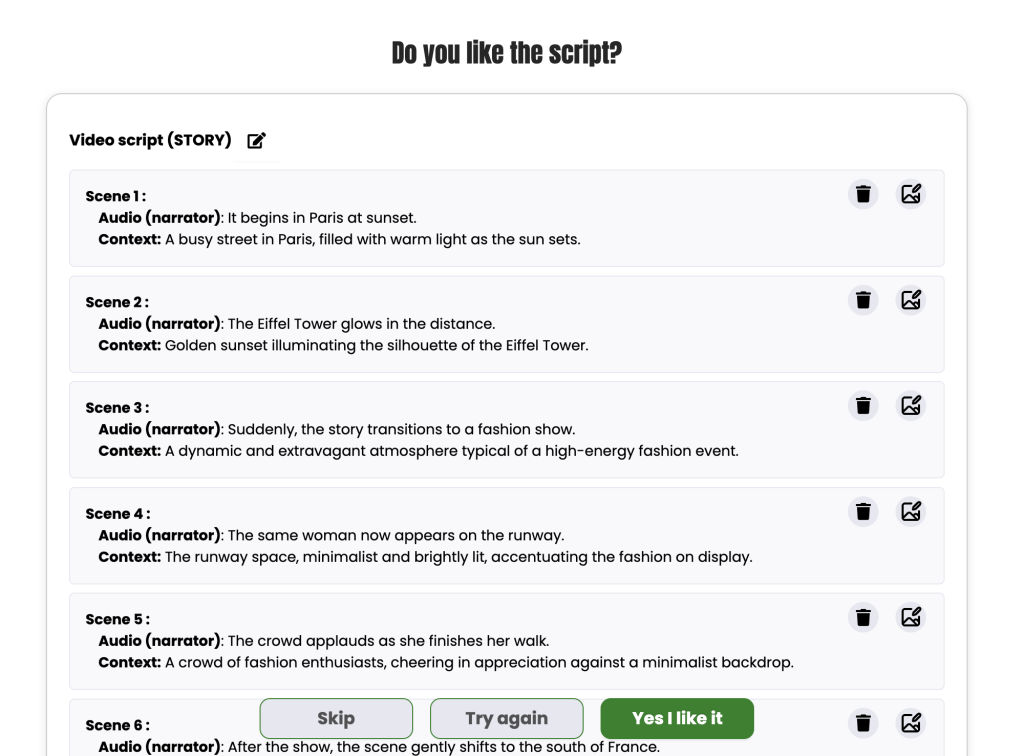
In this first step, Reeporter shows you the complete script of your upcoming video.
Take a moment to review it carefully and make sure everything fits your vision before moving on to customization.
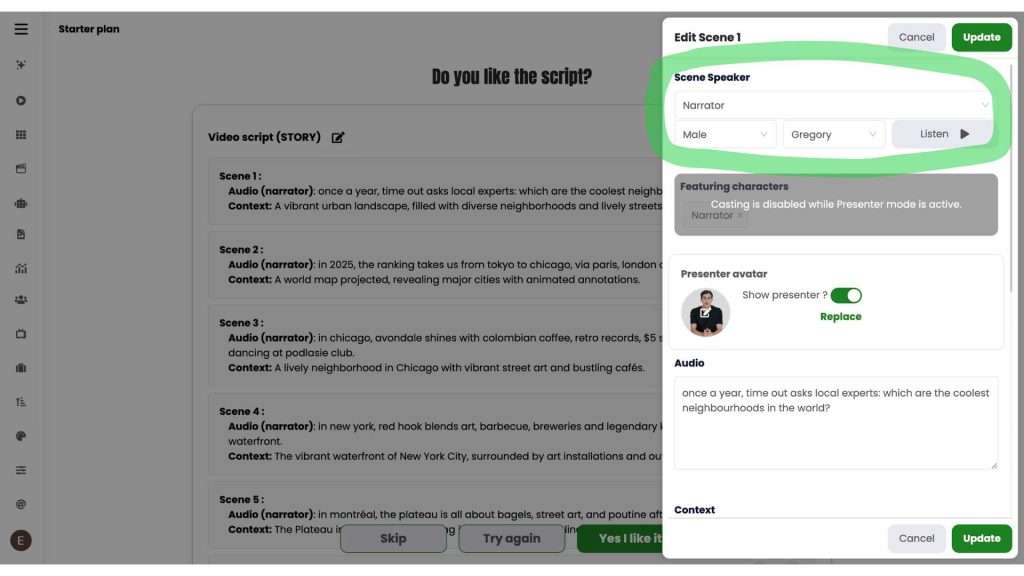
1️⃣ Choose the voice
Pick the perfect voice to bring your character to life.
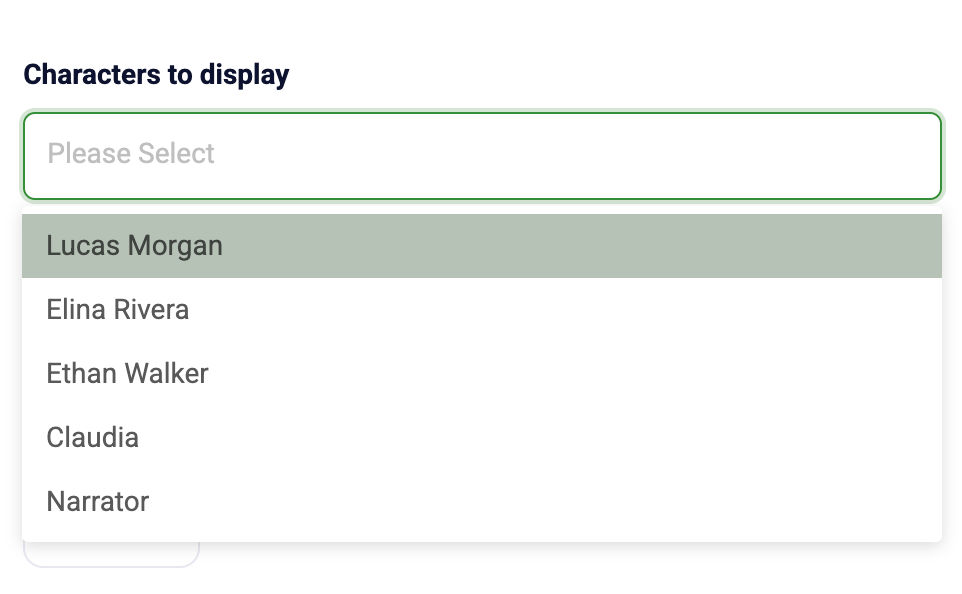
2️⃣ Select show presenter
For each scene, you can choose which character will appear and speak.
Leave the field empty if you prefer voice-over only (no character visible).
Select a character from the list to display them on screen.
This gives you full control over the narration style of every scene:
with a visible character or just a voice.
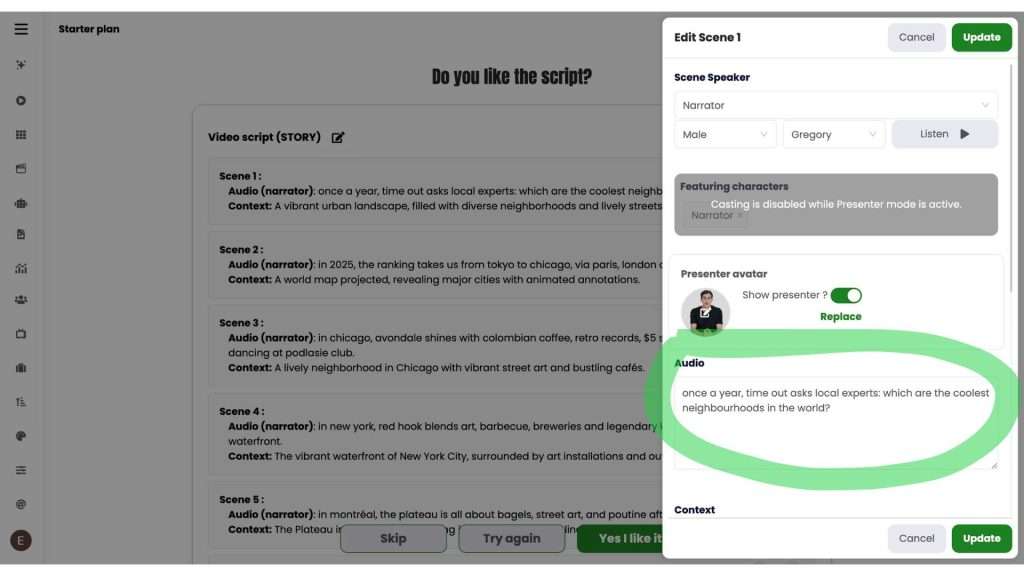
3️⃣ Audio
Write the text your character will pronounce.
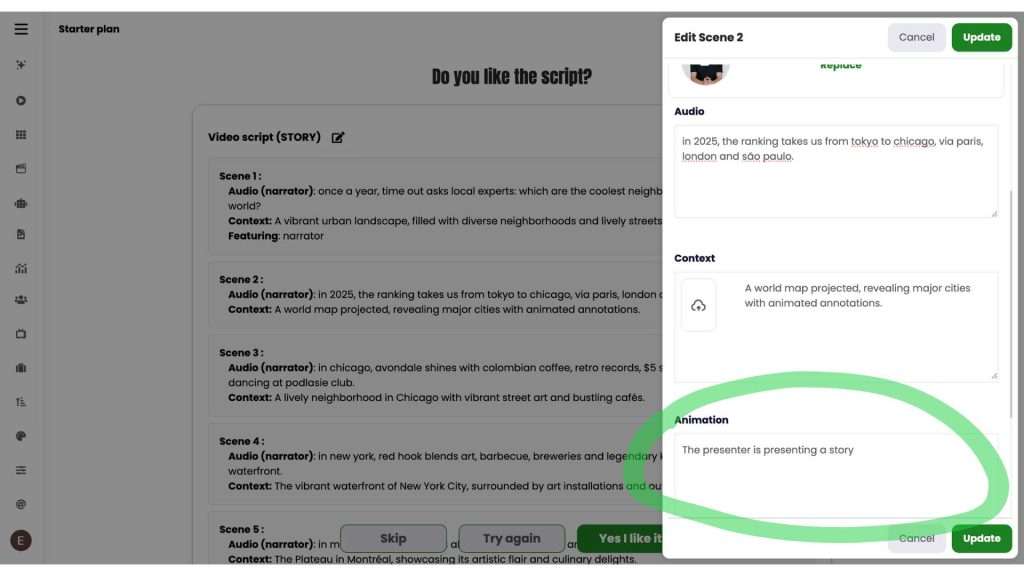
4️⃣ Animation
Describe the animation you want, and make sure to specify that the character must speak.
✨ And voilà! your characters don’t just appear, they talk naturally in your videos!